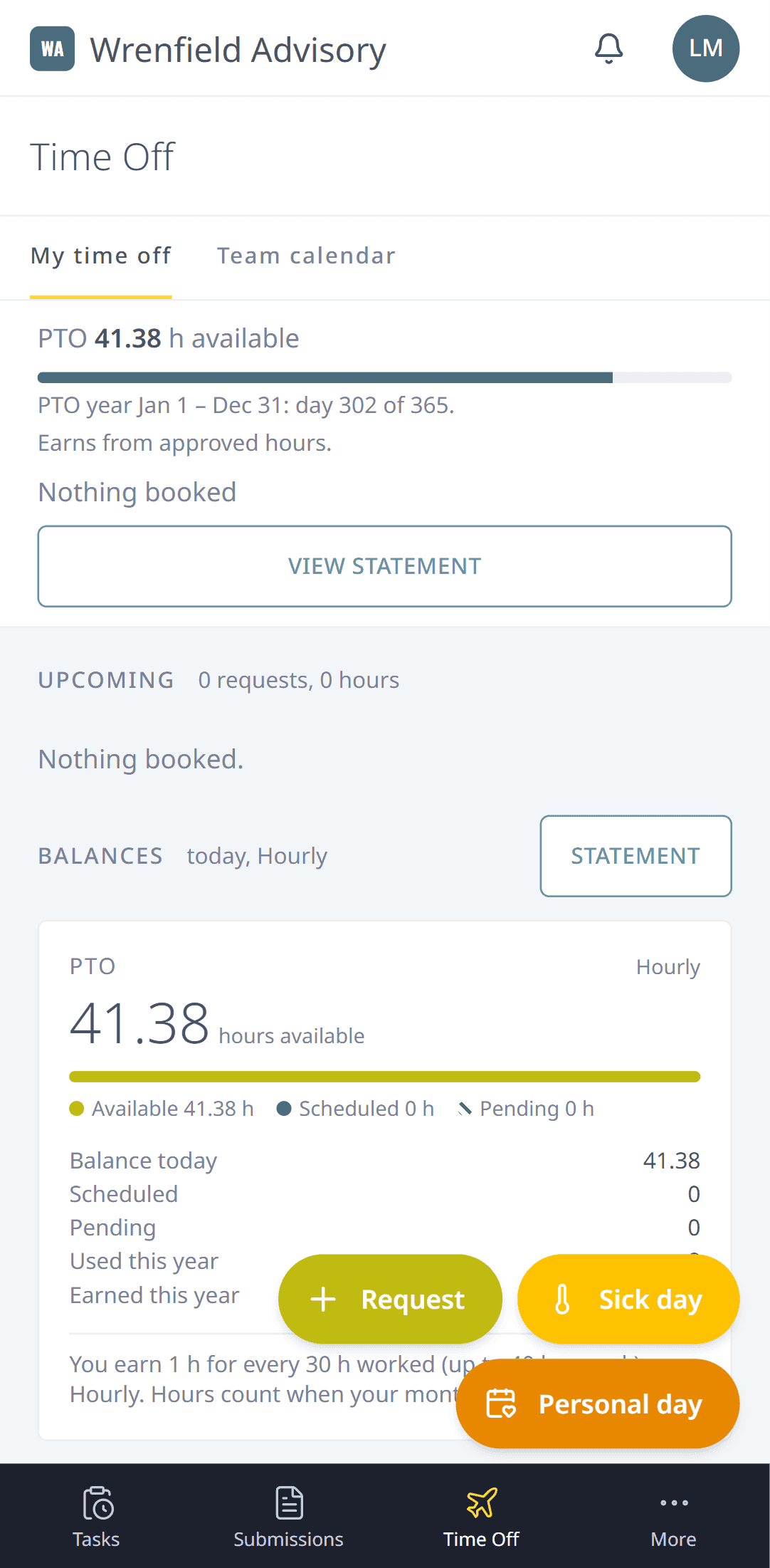
The whole app on any phone
Log a task between meetings or ask for a day off from the couch.
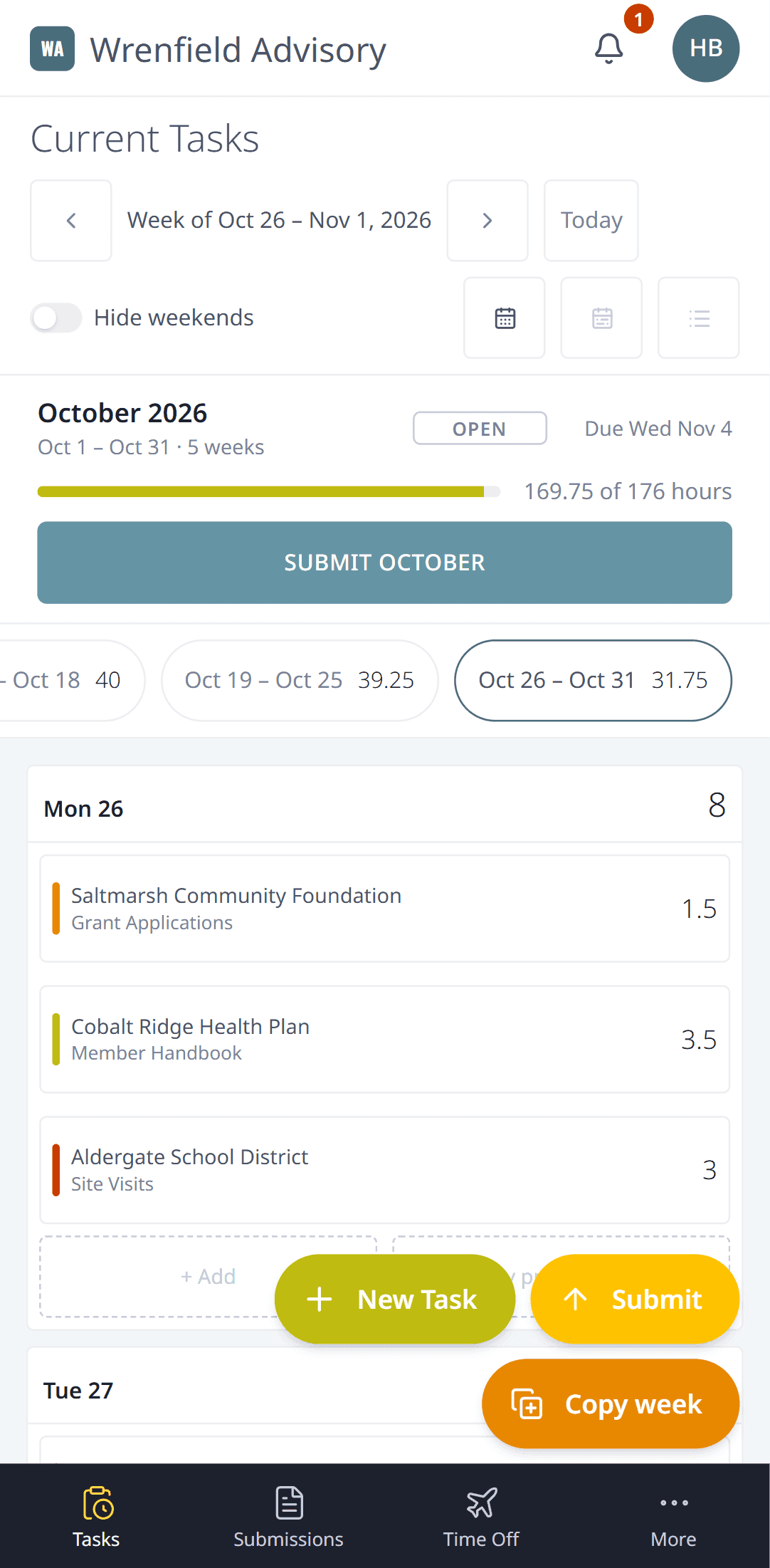
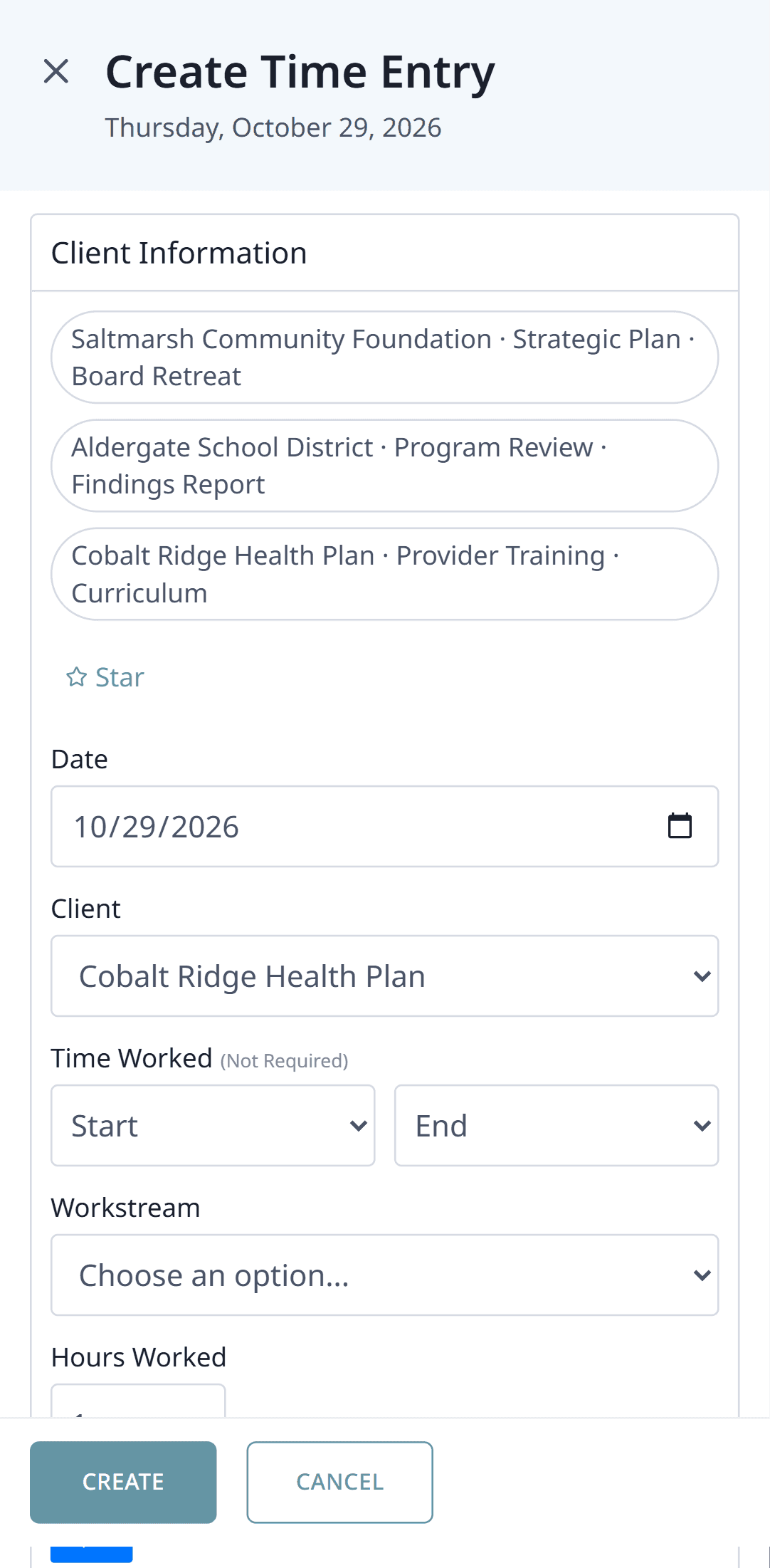
Log time from anywhere
Add a task between meetings. The form fills the screen and the buttons are easy to hit.
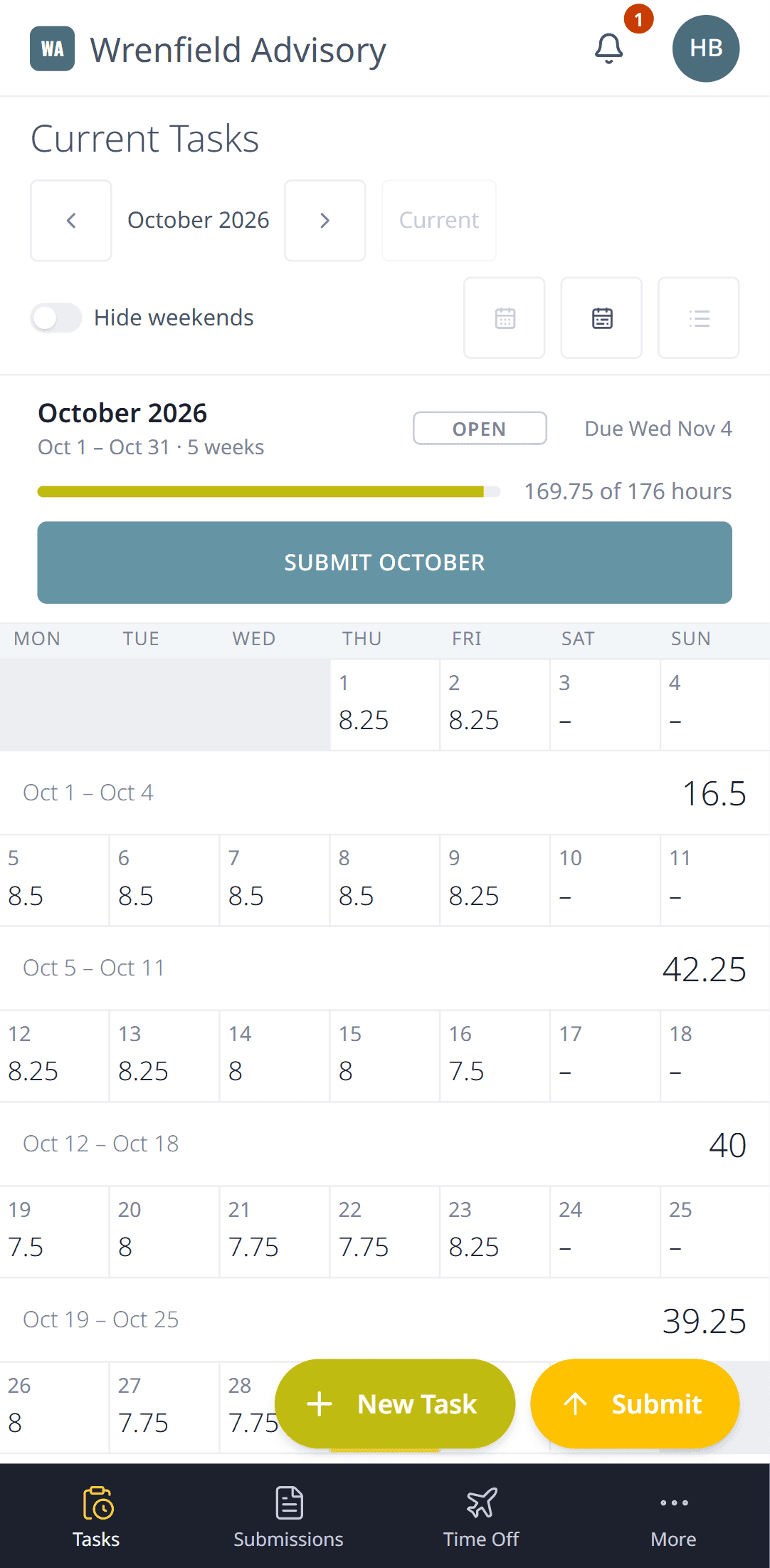
Submit your month
Check the month, then submit it from your phone.
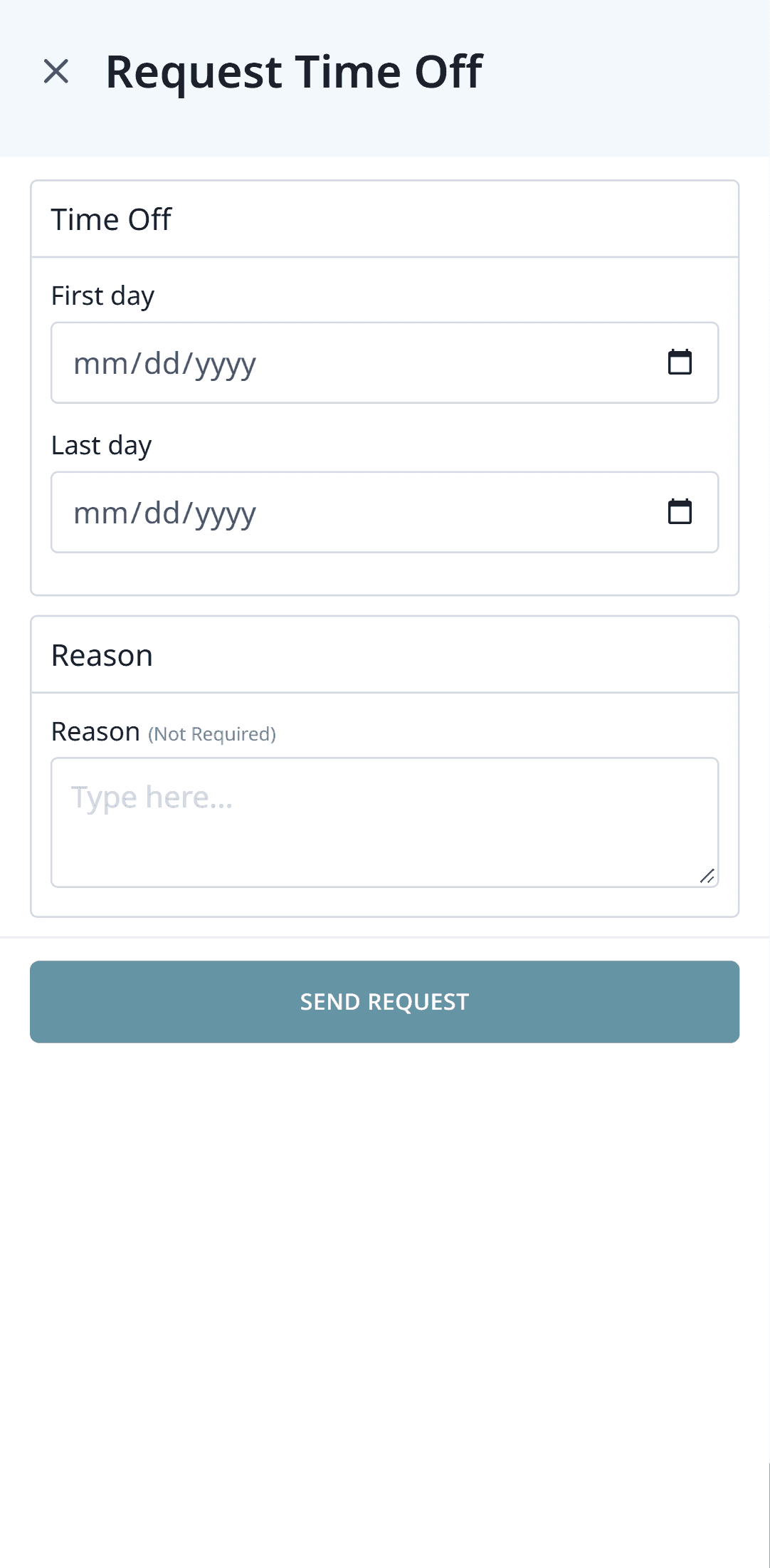
Ask for time off
Pick your dates, send the request and see your balance.
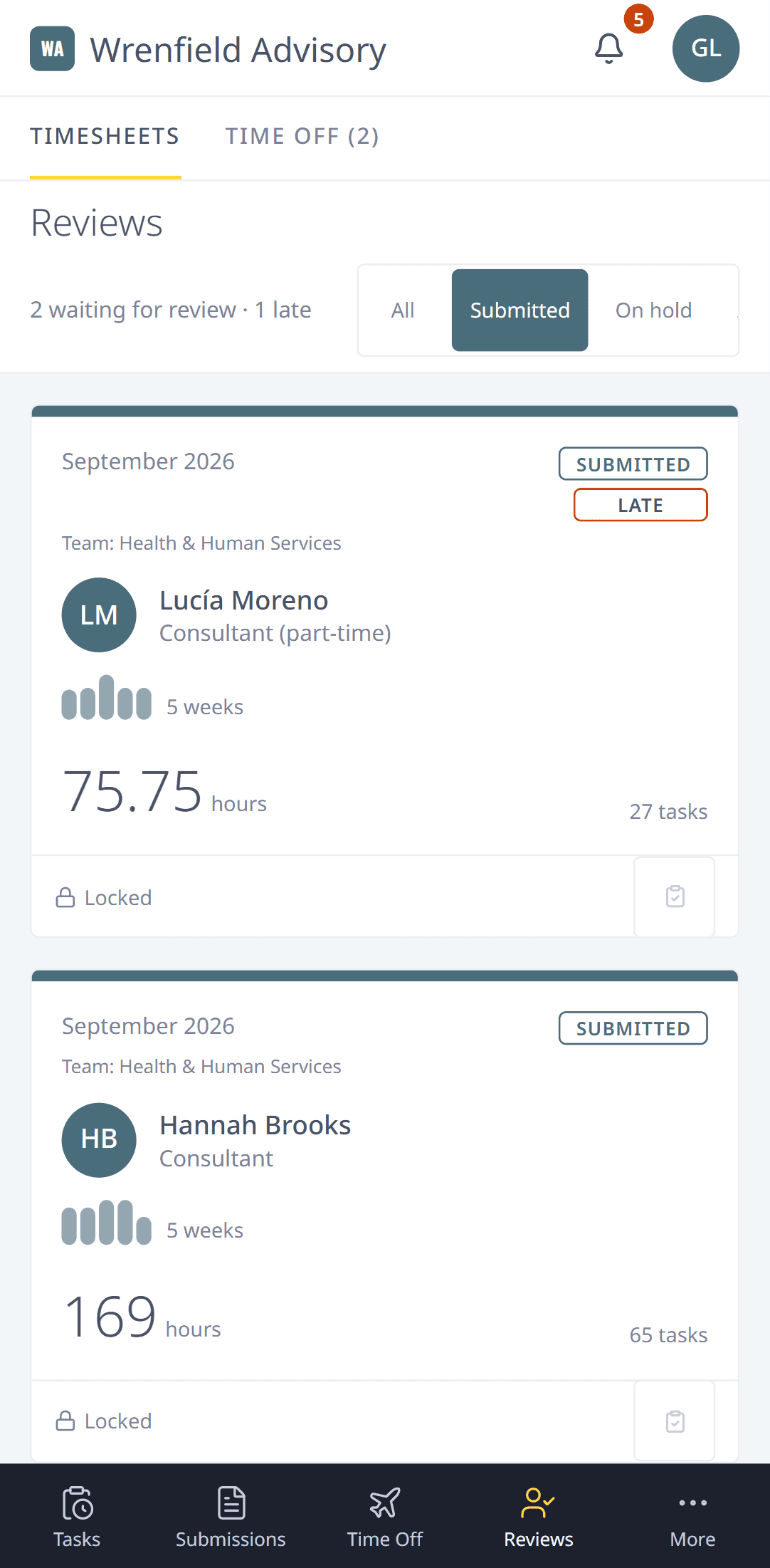
Review on the go
Managers can read a month and approve it, return it or put it on hold from their phone.
Add it to your home screen
Momenta24 works in your phone's browser. On an iPhone, tap Share, then Add to Home Screen. On Android, open Chrome's menu and tap Add to Home screen.