Every month submitted, reviewed and approved in one place
People submit the month, managers review it, and nobody has to chase anything by email.
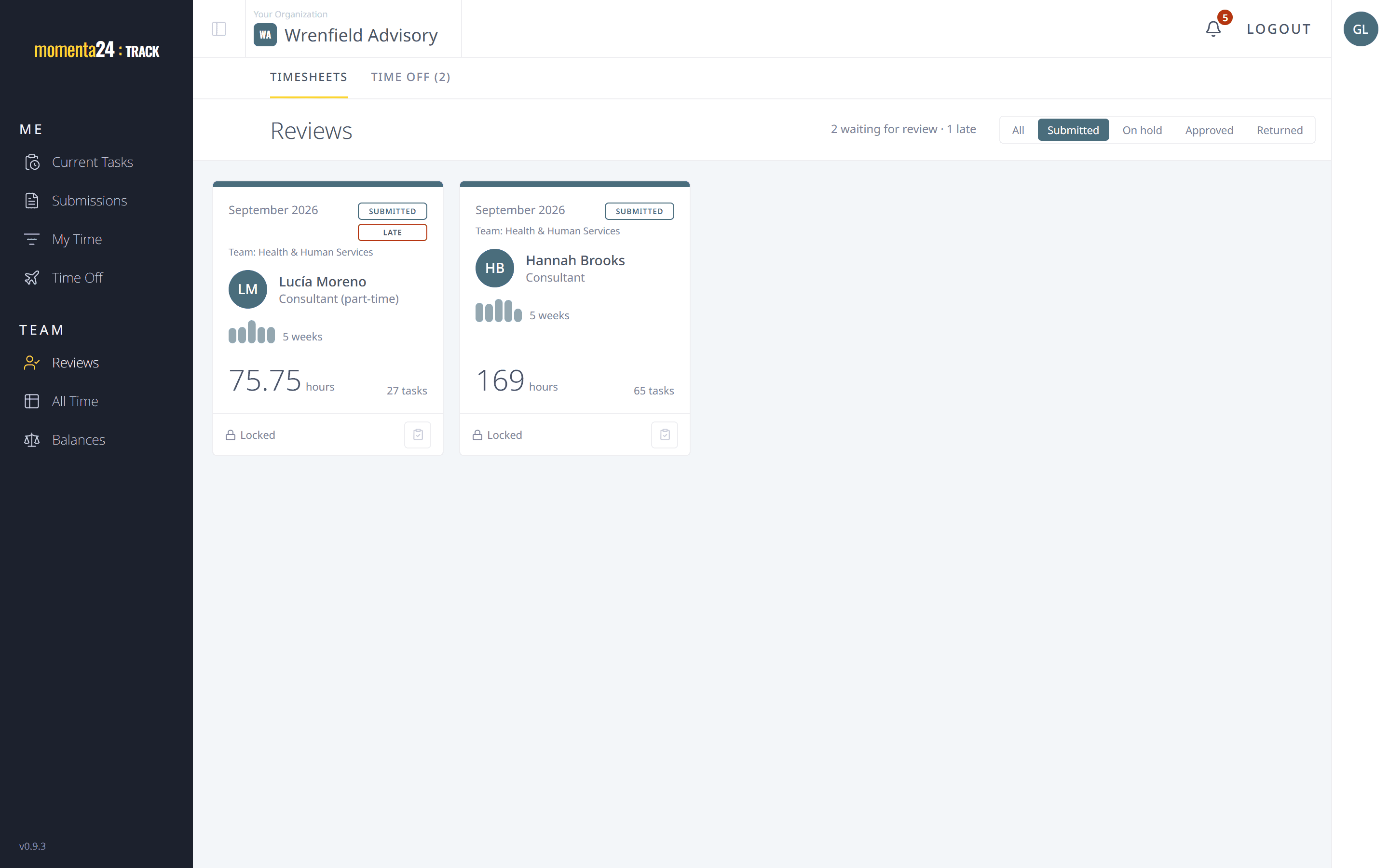
Submit the month in one click
At month end, one click sends every open entry in the period. Once a month is submitted, its dates are closed to changes unless it's returned.
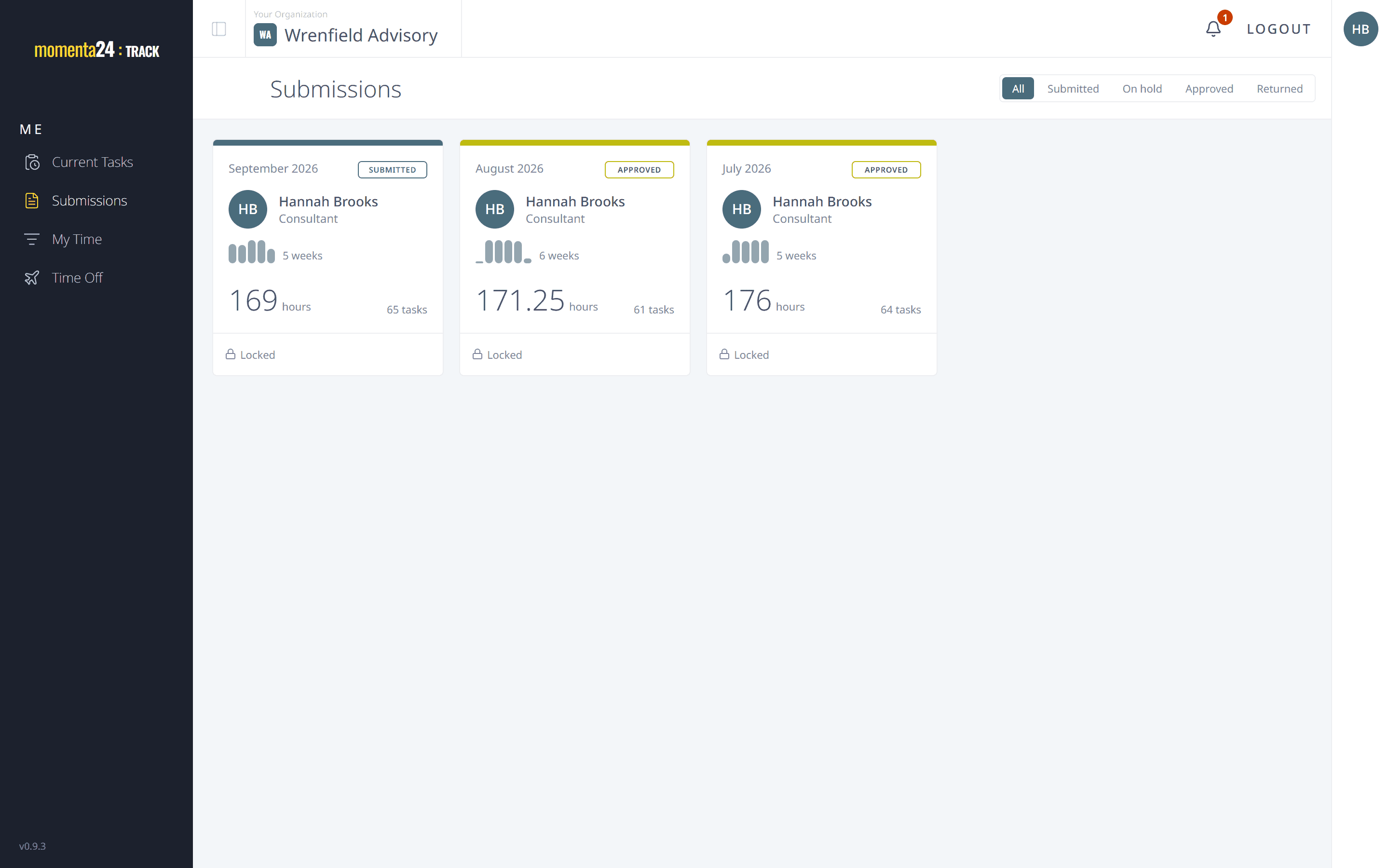
Review by team, with each person's month in full
Team managers see the months of the people on their teams, entry by entry. Admins can review anyone's except their own, and step in when a team has no other manager.
Return it with a note, or put it on hold
Approve a month, return it with a note about what to fix, or put it on hold. A returned month goes back to its owner to correct and resubmit.
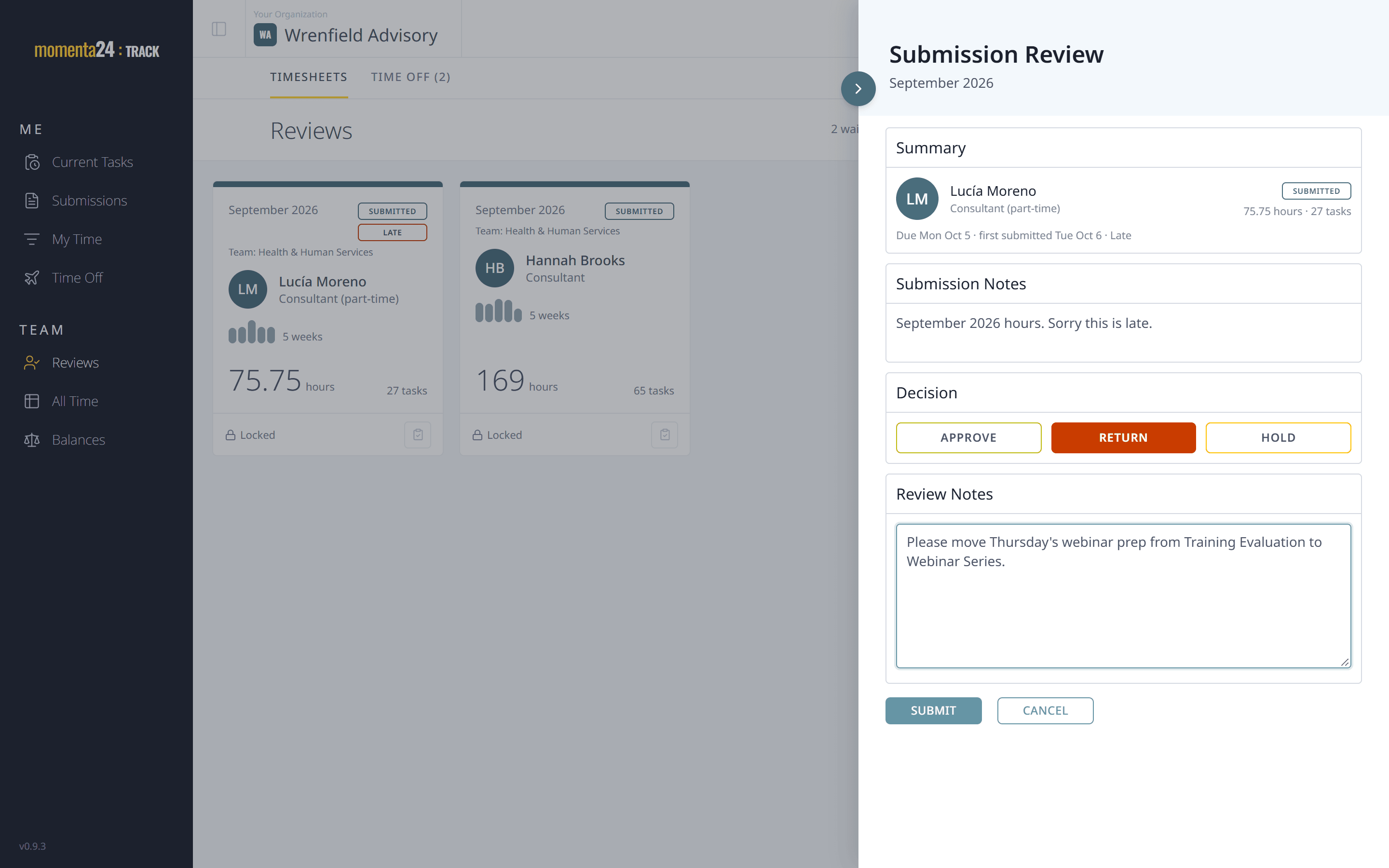
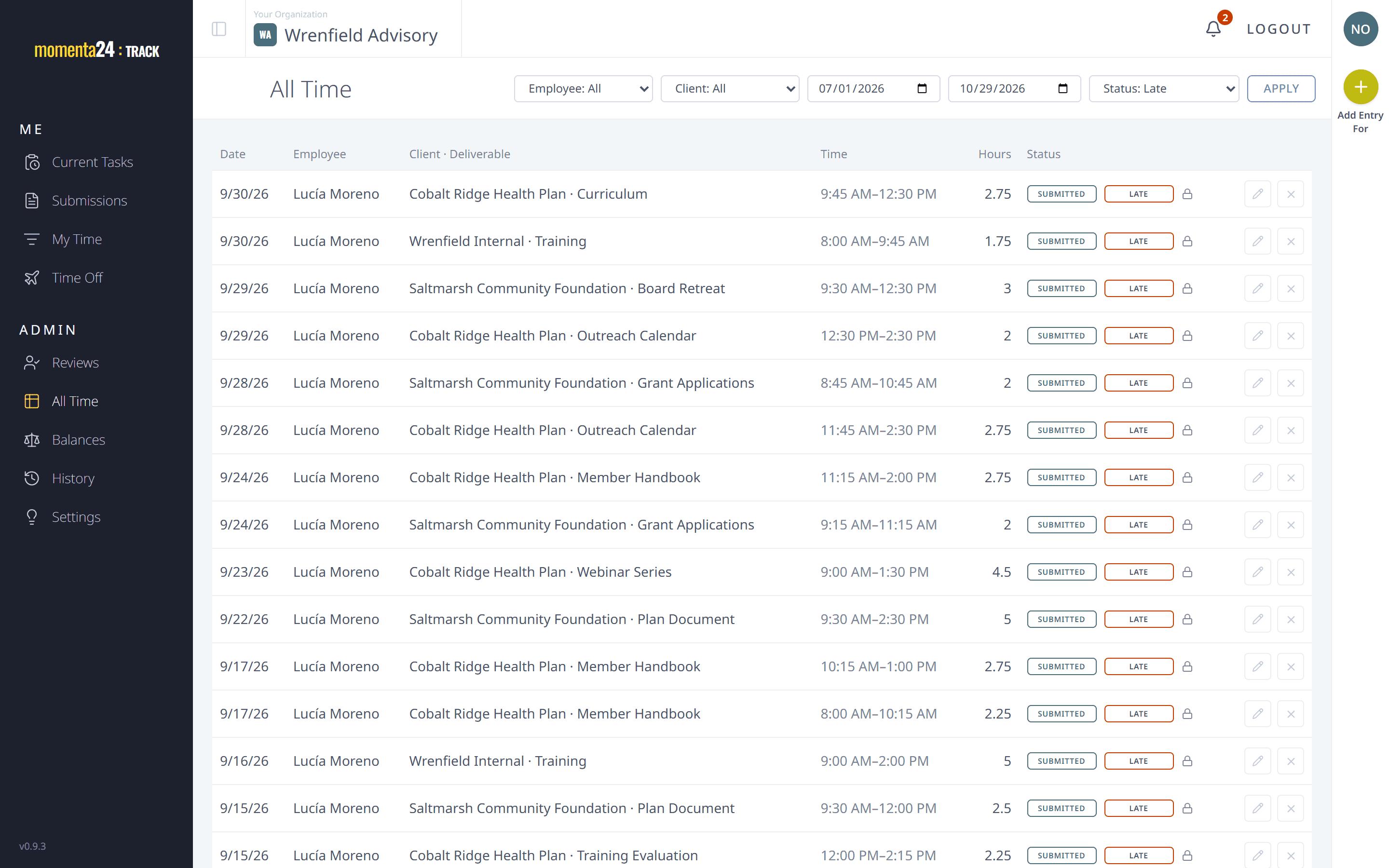
Late months are tagged, never blocked
A month submitted after its deadline carries a Late tag that reviewers can filter on. Nothing is ever refused because of a deadline.
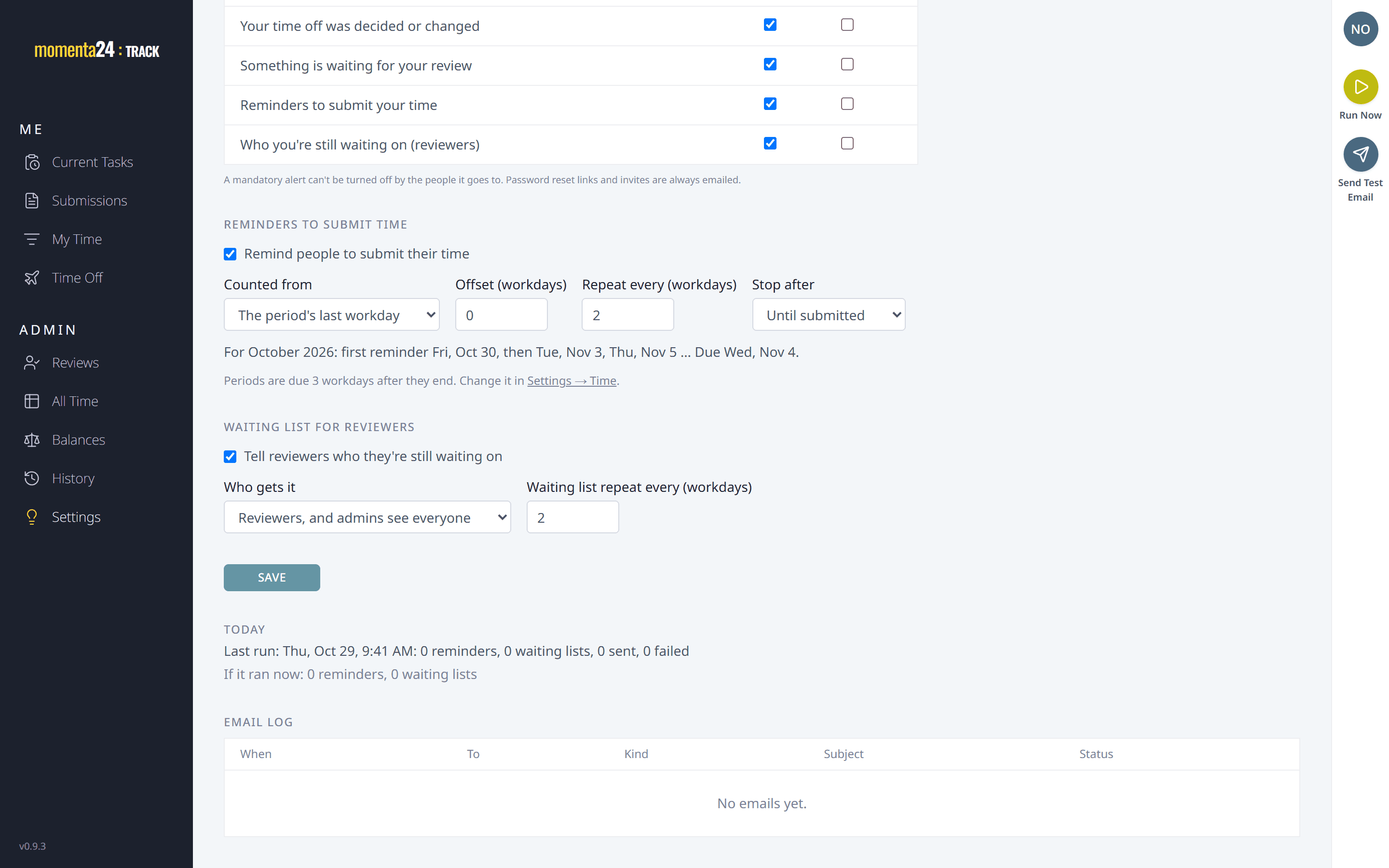
Reminders, alerts and a 'still waiting on' list that send themselves
People who haven't submitted get a reminder as the deadline nears, and managers see a list of who is still outstanding. Alerts for submissions, decisions and time-off requests show in the app and arrive by email, and each person chooses how they get them, where the firm allows.