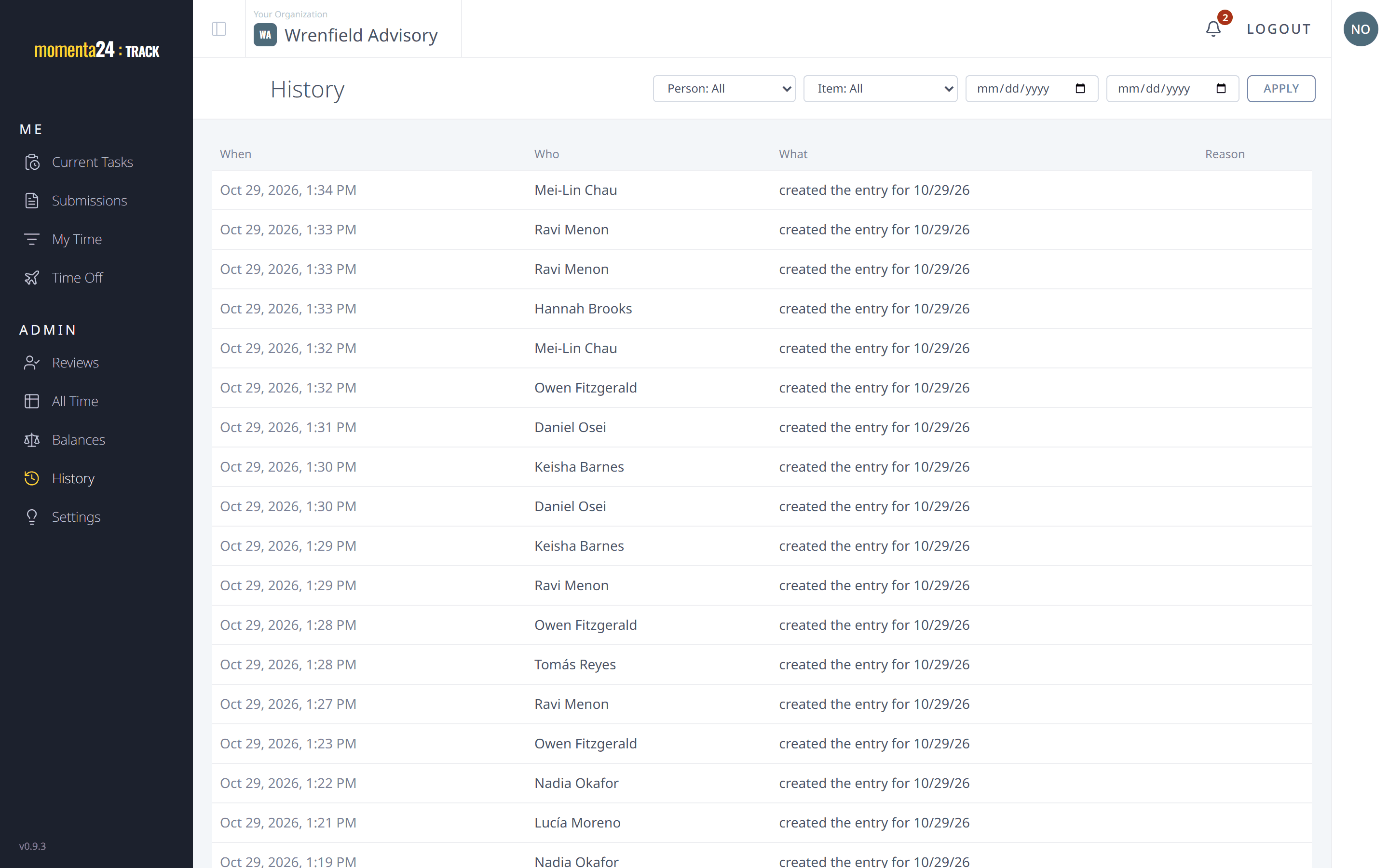
Set up in an afternoon, with every change on record
Set the firm up chapter by chapter, then see who changed what, whenever you need to.
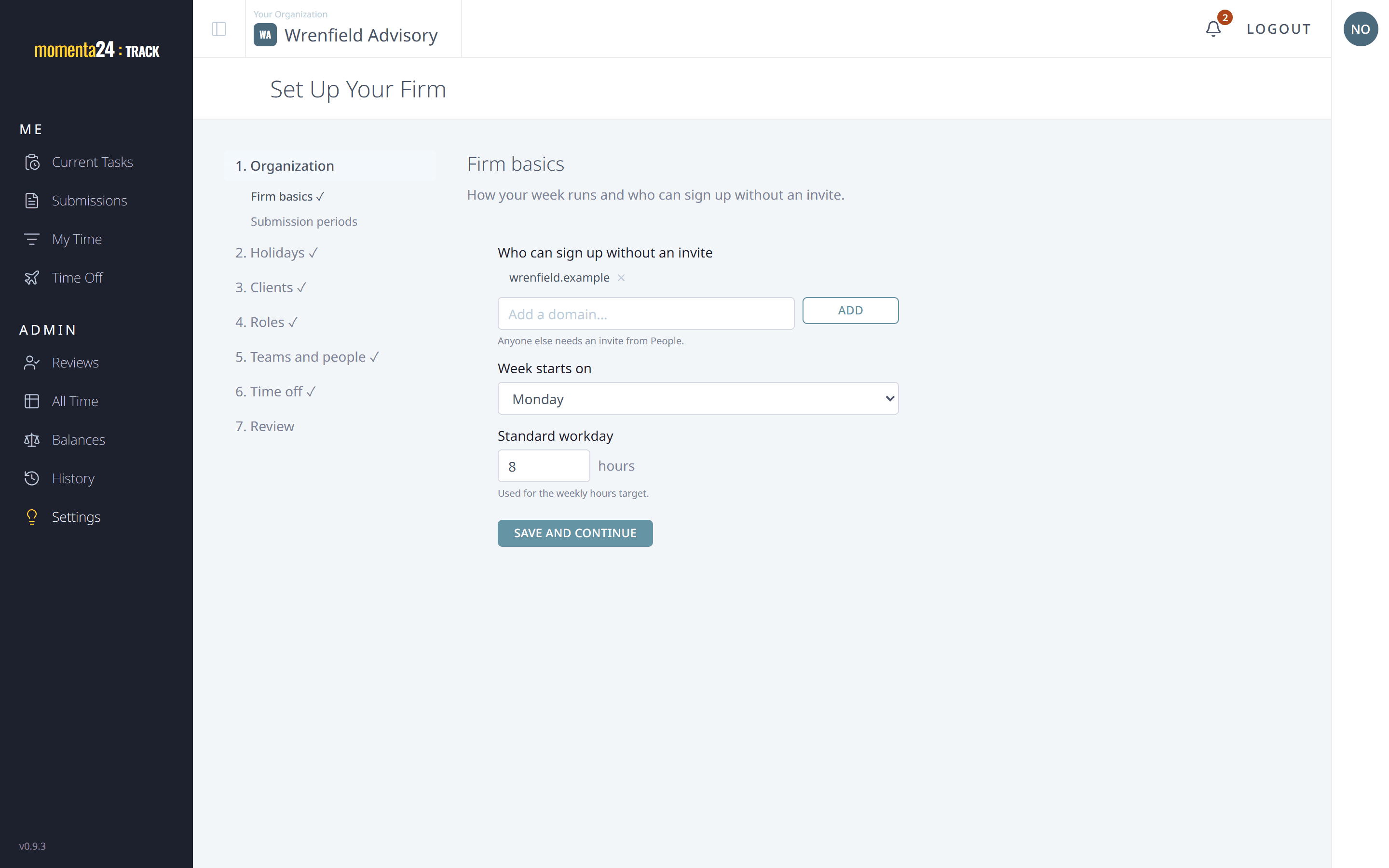
A setup wizard that walks you through it
Setup takes you through the organization, your people and time off in order, and tells you what's still missing.
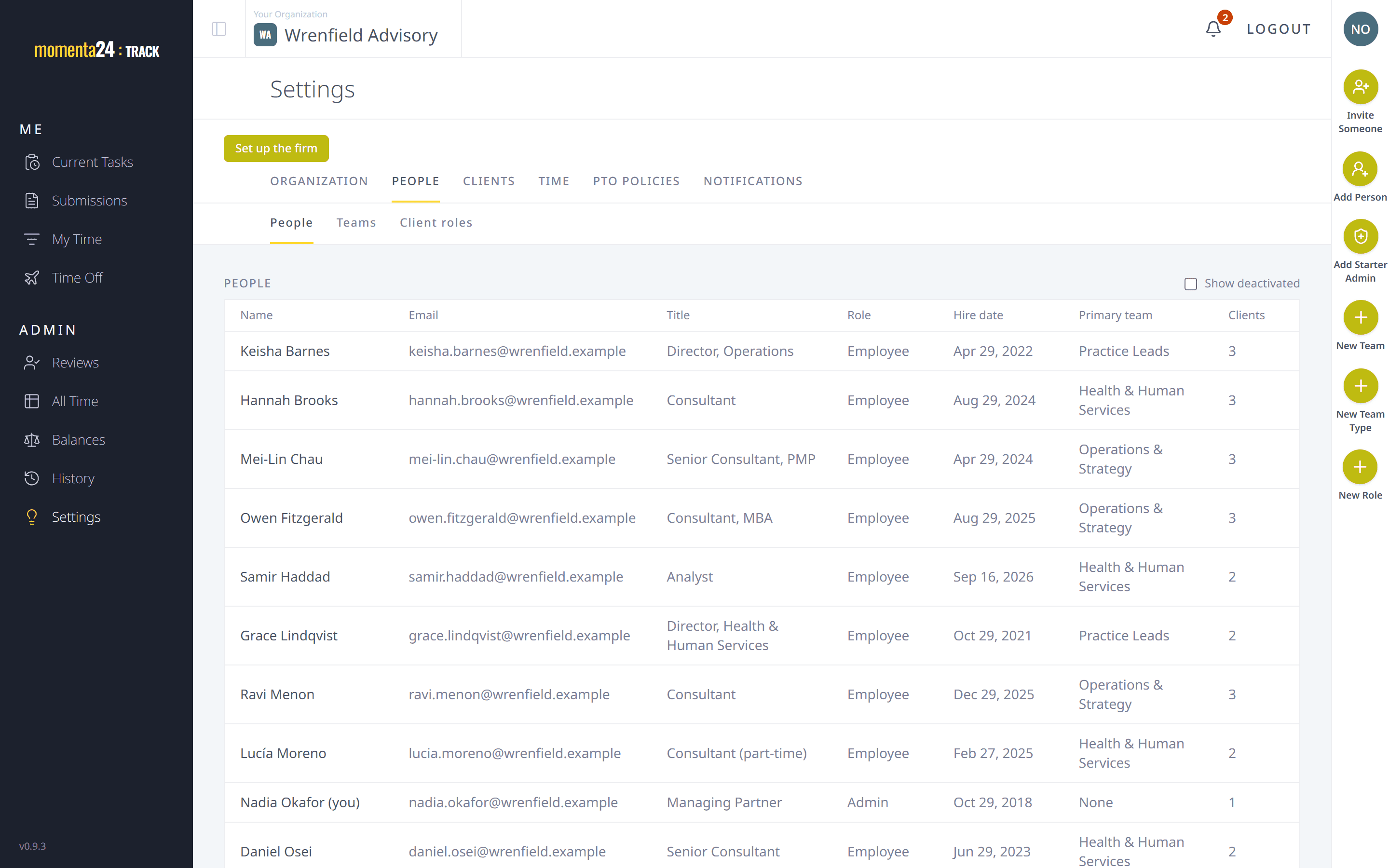
People and teams
Add people ahead of time and send each a welcome link. Group them into teams, each with a manager, and their months go to the right reviewer.
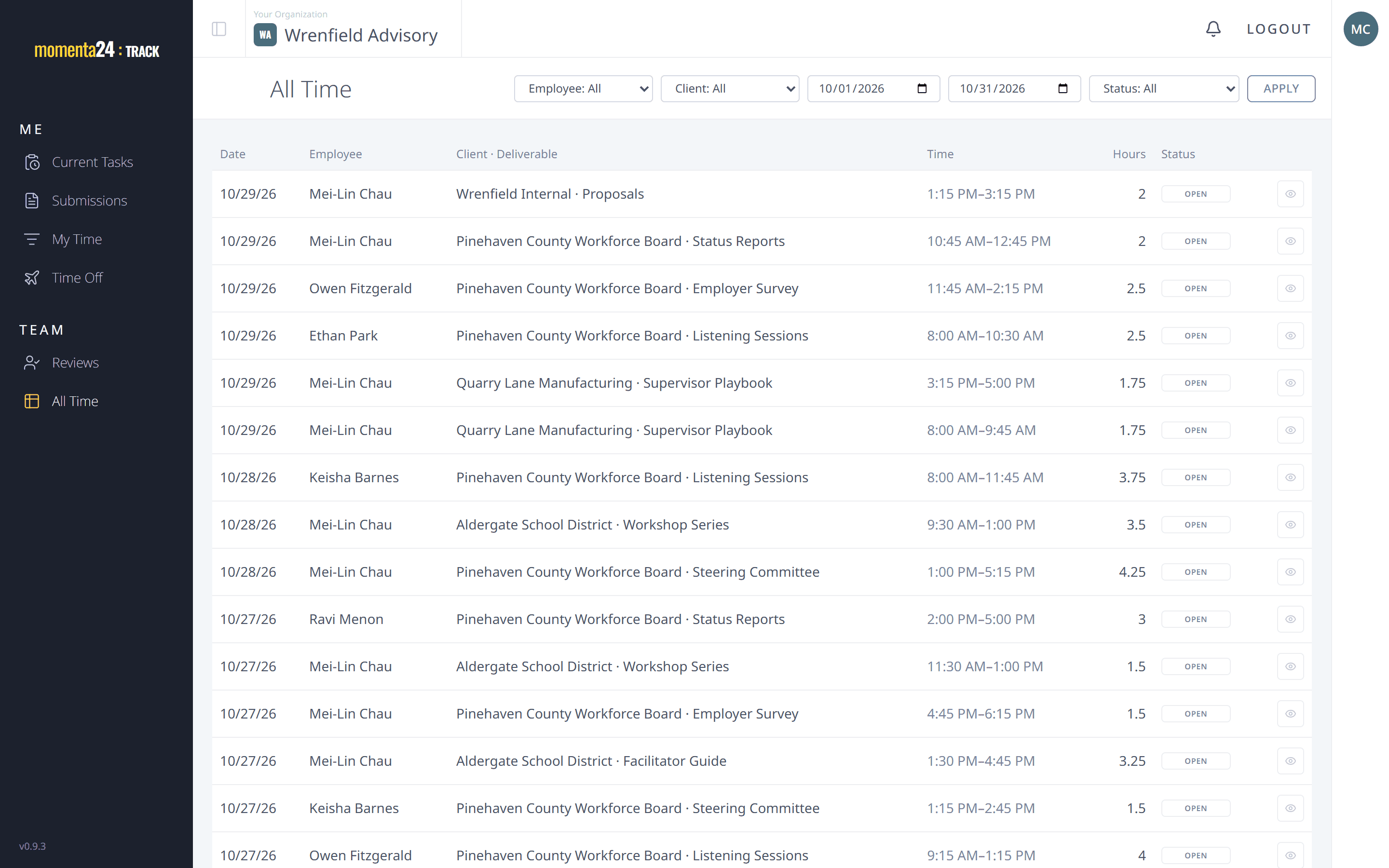
Who sees what
Team managers see their teams; project managers see their clients' time, read-only.
A full change history
Every change is recorded: who made it, what changed and when. An admin's change to someone else's time carries a reason.