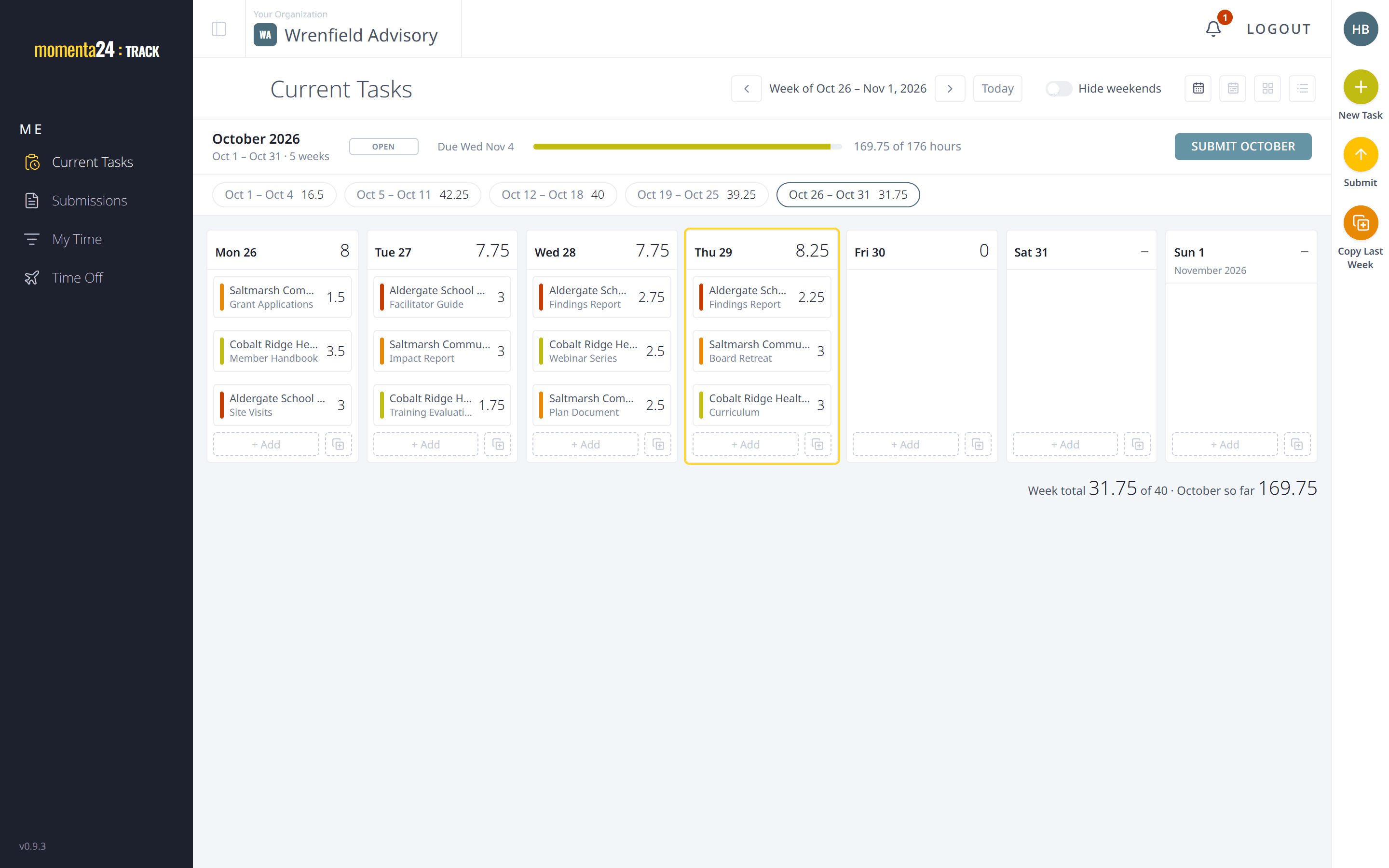
Time tracking
Log each task to its client, workstream and deliverable, on a week view or your phone.
Learn more about Time trackingFrom the first task logged to the hours that feed time off.
Log each task to its client, workstream and deliverable, on a week view or your phone.
Learn more about Time tracking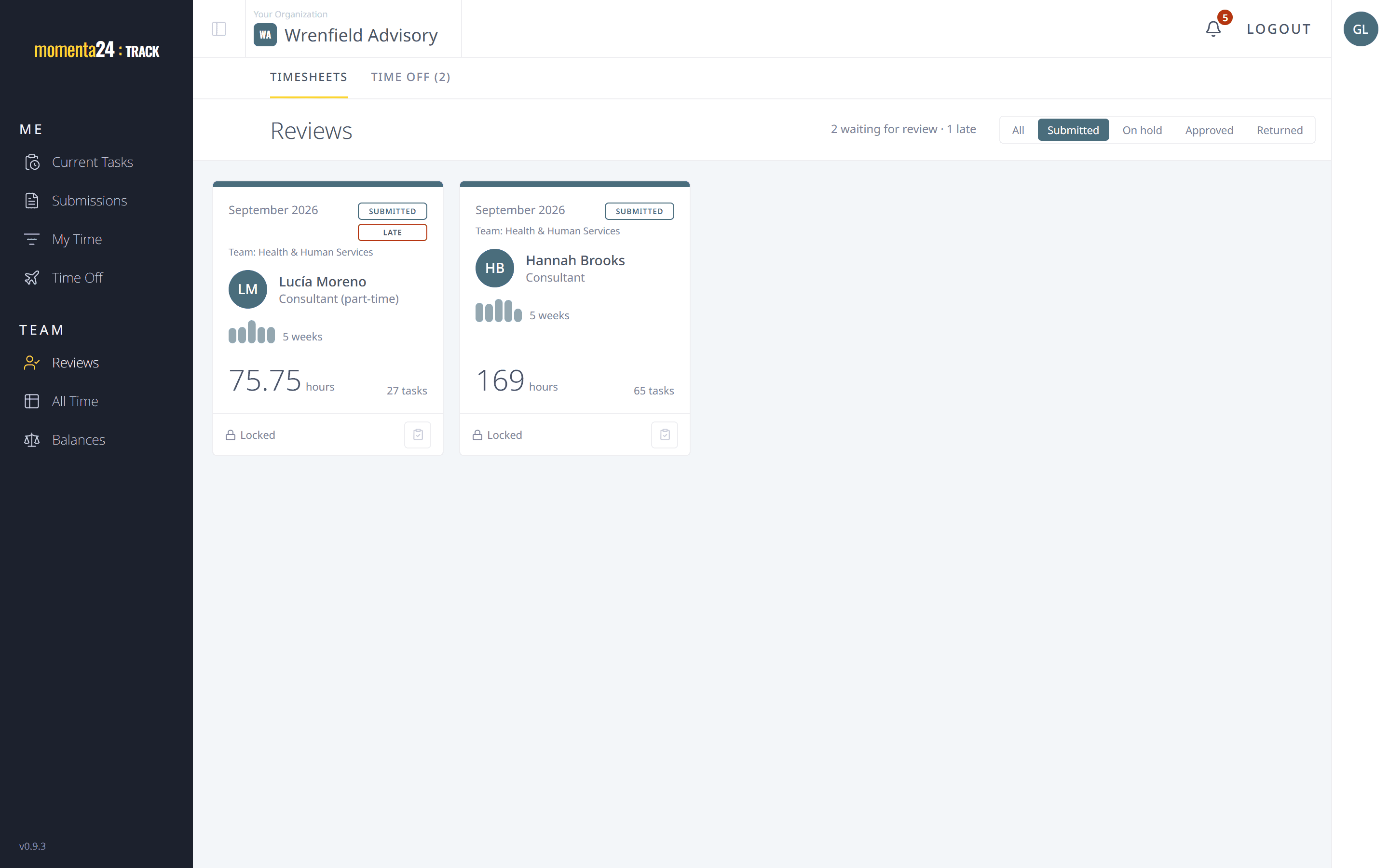
Submit the month in one click. Managers review it, then approve it, return it with a note or put it on hold.
Learn more about Approvals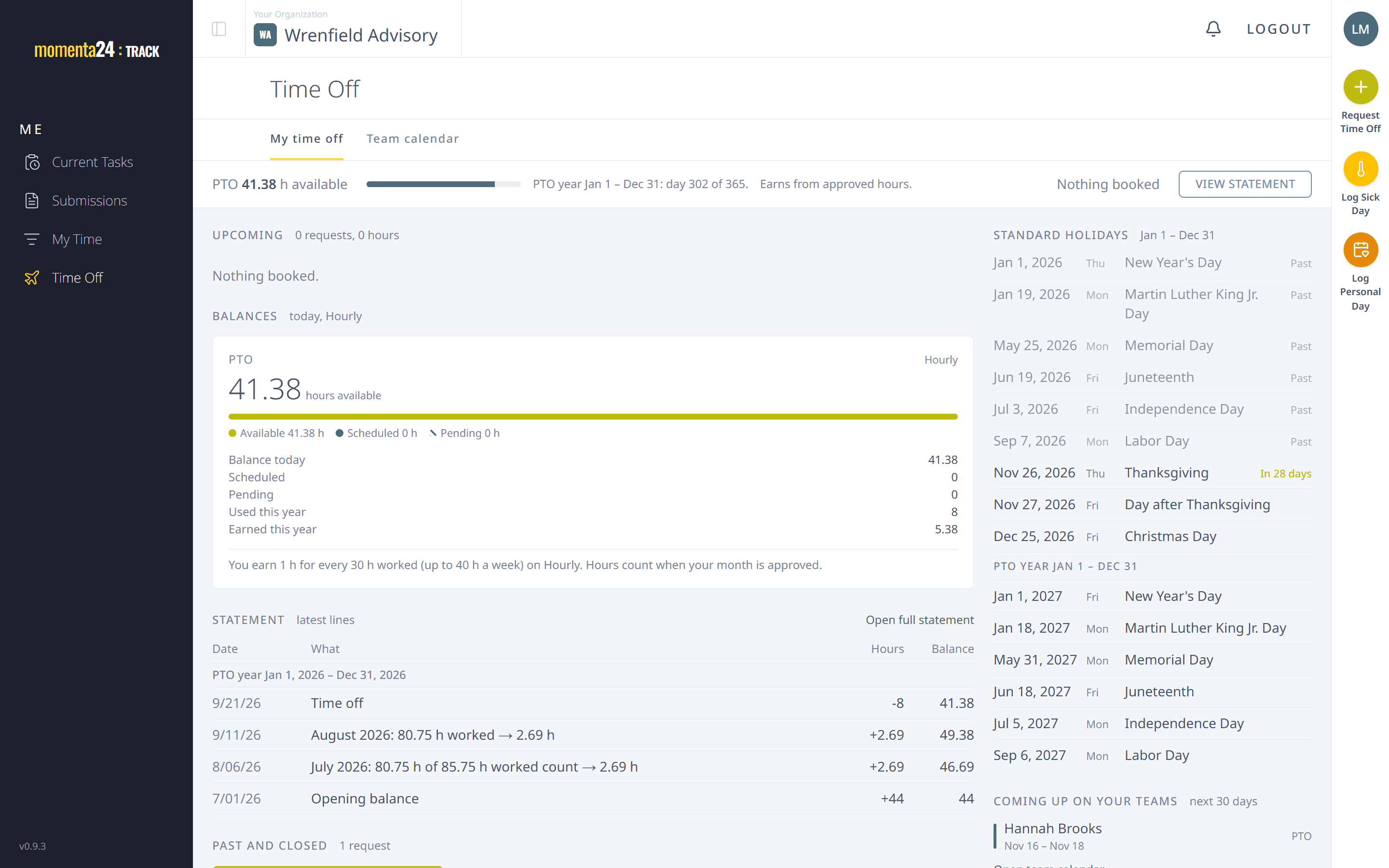
Time-off balances that accrue on their own, requests decided in the app and a calendar of who is away.
Learn more about Time off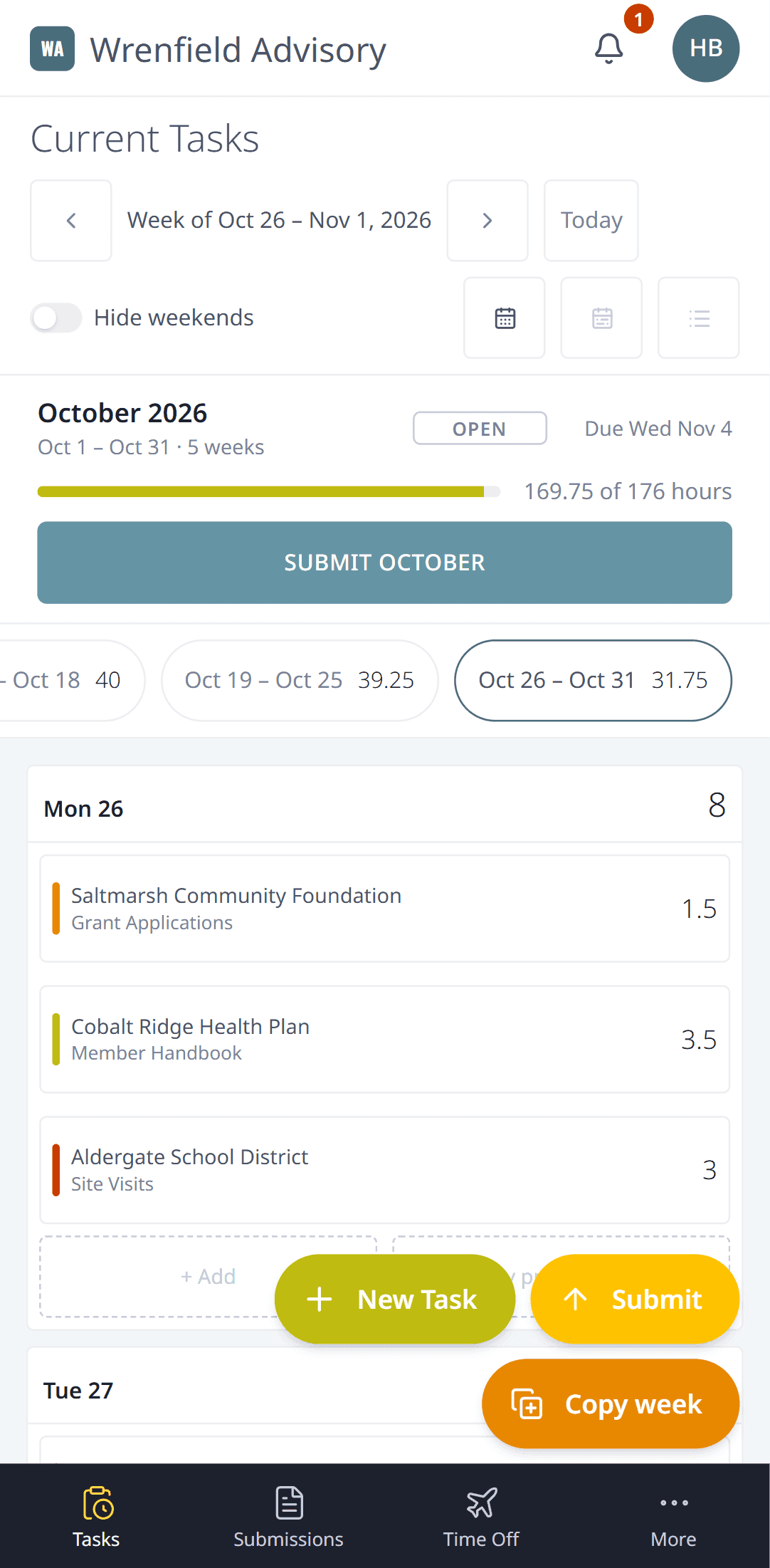
Momenta24 works in your phone's browser: log time, submit the month, ask for time off and review.
Learn more about On your phone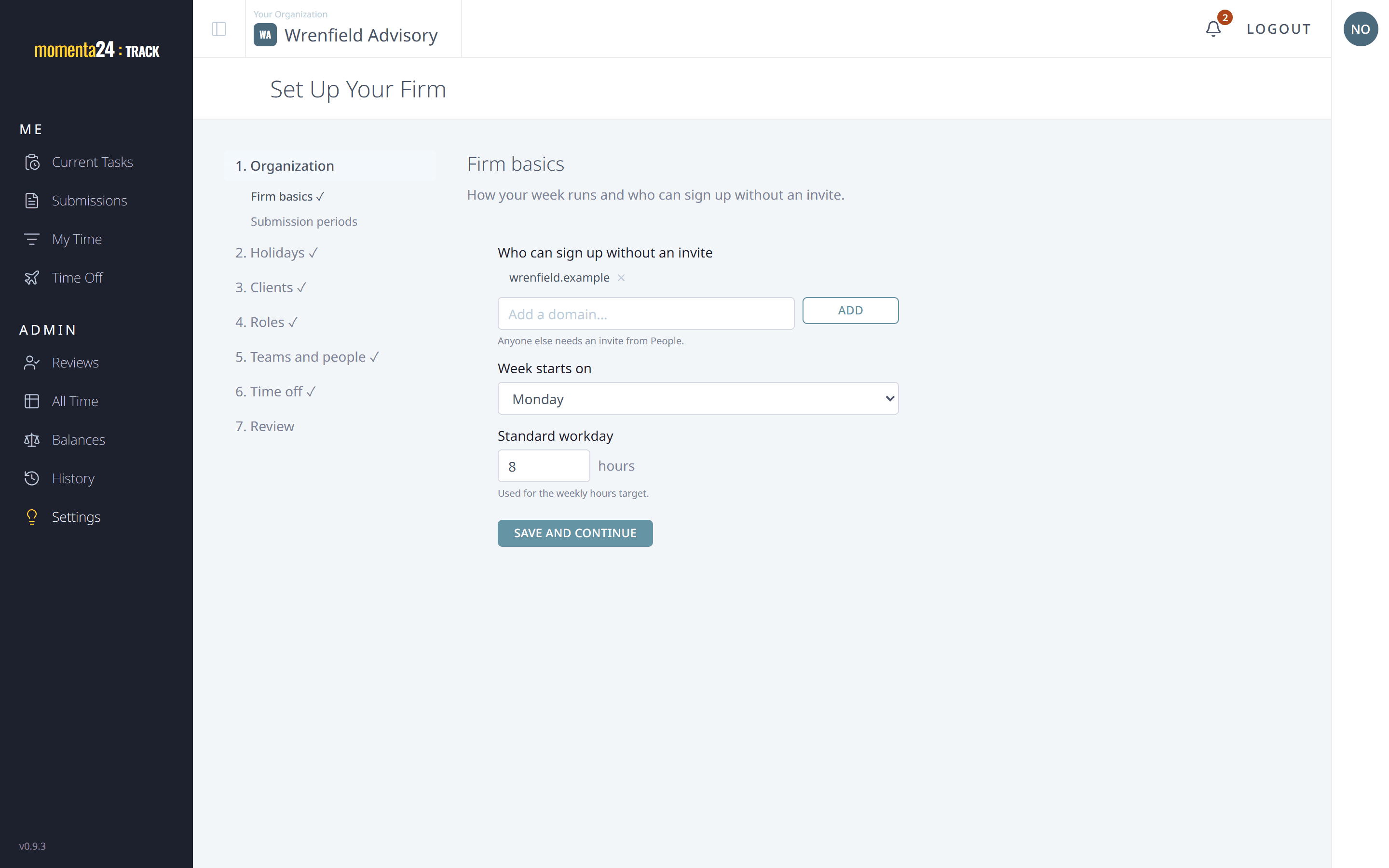
A setup wizard, people and teams, careful access rules and a full change history.
Learn more about Admin & setupEveryone logs tasks by client, workstream and deliverable, on the week view or a phone.
At month end, one click sends every open entry in the period.
Team managers see their people's months. Late months are tagged, never blocked.
Approve it, return it with a note, or put it on hold.
Approved hours count toward hours-worked accrual, so balances stay right.